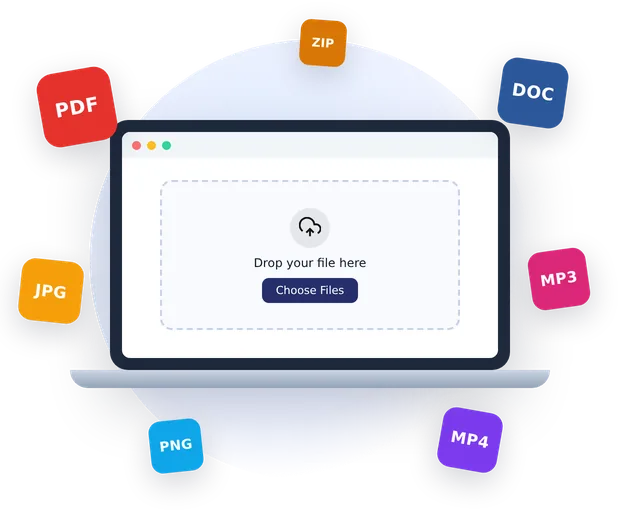
QuickFileConverter is a free online file converter that changes documents, images, audio, video and archives from one format to another in seconds. Drop a file into the box above, choose the format you need and download the result. You do not need to install software, create an account or share your email address.
Unlike most converters on the web, our tools run inside your browser. That means your files are not uploaded to a server while they are converted. You get the speed of a desktop app with the convenience of a website, and your private documents stay private.
Table of Contents
What Is an Online File Converter?
An online file converter is a website that reads a file in one format and saves it in another. You might have a PDF you need to edit in Word, an iPhone photo in HEIC that will not open on Windows, or a large WAV recording that is too big to email. A converter solves all of these problems in a couple of clicks.
Traditional desktop programs can do the same job, but they cost money, take up space and often only handle one type of file. A good online file converter covers dozens of formats in one place and works on any device with a browser, whether that is a Windows laptop, a MacBook, a Chromebook, an Android phone or an iPhone.
How QuickFileConverter is different
Most websites that convert files work by uploading your file to their servers, converting it there, and asking you to download it again. That takes time, uses your data allowance and means a copy of your file sits on someone else’s computer. Our online file converter loads the conversion engine into your browser instead. The file is read from your device, converted on your device and saved back to your device. Nothing is sent to us.
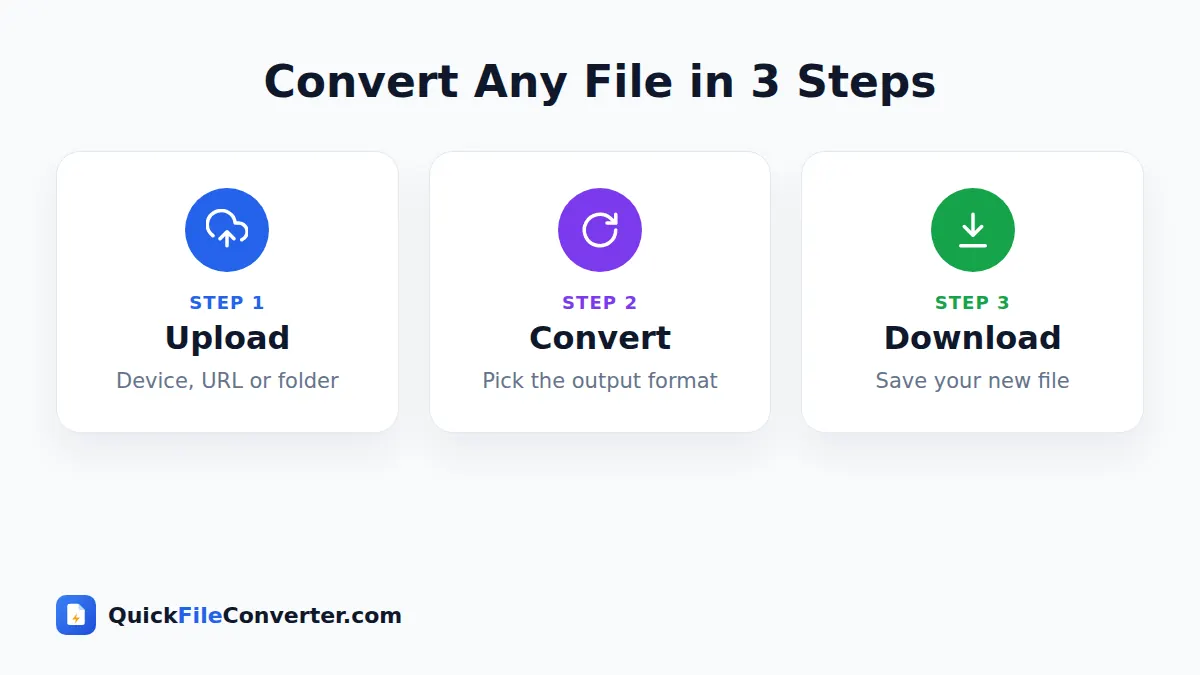
How to Convert Files Online in 3 Steps
Every tool in our online file converter works the same way, so once you have used one, you know them all.
- Add your file. Hover over Choose Files and pick From Device, From URL or Add Folder. You can also drag files onto the upload area or paste a copied file.
- Choose the output format. On the homepage, pick the format from the list next to each file. On a dedicated tool page, the format is already set for you. Adjust options such as image quality or MP3 bitrate if you like.
- Convert and download. Click Convert Now. When the progress bar finishes, click Download. If you converted several files, you can save them all at once as a ZIP.
Supported Formats and Popular Conversions
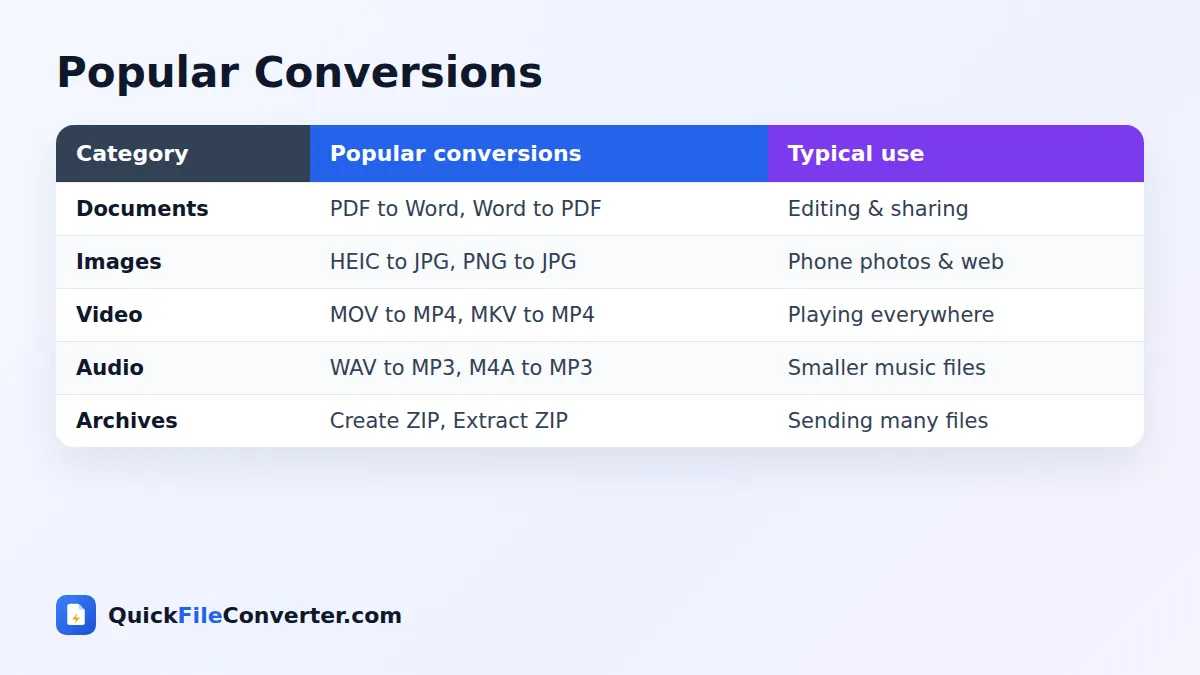
This online file converter supports more than thirty formats across five categories. The table below shows the most requested conversions in each group.
| Category | Popular tools | What people use them for |
|---|---|---|
| Documents | PDF to Word, Word to PDF, Merge PDF | Editing, sharing and combining paperwork |
| Images | HEIC to JPG, PNG to JPG, WebP to JPG | Opening phone photos and preparing web images |
| Video | MOV to MP4, MKV to MP4, Video to GIF | Playing videos on any device and sharing clips |
| Audio | WAV to MP3, M4A to MP3, FLAC to MP3 | Shrinking music and voice recordings |
| Archives | Create ZIP, Extract ZIP | Sending and opening many files at once |
You can see every tool in one place on the All Converters page.
Document converters
Documents are the most common reason people search for a free file converter, and they are where an online file converter saves the most time. You can turn a PDF into an editable Word file, save a Word document as a PDF for sharing, export PDF pages as JPG or PNG images, combine several PDFs into one, split a long PDF into smaller parts, and switch spreadsheets between Excel and CSV.
Image converters
Image formats change quickly. Phones save HEIC, websites prefer WebP, and older apps still expect JPG. Our image tools convert between JPG, PNG, WebP, HEIC and SVG while keeping quality high. Batch conversion lets you convert a whole album at once.
Video converters
Video files come in many containers such as MP4, MOV, MKV and AVI. Our video tools convert them to MP4, the format almost every phone, TV and editor can play. You can also extract the soundtrack from a video as MP3 or turn a short clip into an animated GIF.
Audio converters
Audio tools convert WAV, M4A, OGG, FLAC and MP3. The most popular choice is turning large lossless files into MP3 for phones, cars and music players, with a quality setting from 128 to 320 kbps.
Archive tools
When you need to send many files at once, a ZIP archive keeps them together and makes them smaller. You can create a ZIP from files or a whole folder, or open a ZIP you received and download the files inside.
Why Use Our Online File Converter?
There are hundreds of converters on the web. Here is why people choose our online file converter and keep coming back to it.
Private by design
Because conversion happens in your browser, your files never travel across the internet to a server. This is ideal for contracts, invoices, medical letters, ID scans and personal photos. There is no copy for anyone to leak, sell or lose.
Completely free
Every tool is free with no daily limits, no watermarks and no trial period. We do not hold your converted file hostage behind a sign-up form.
Fast
There is no upload or download queue, so conversion starts immediately. Small images and documents usually convert in about a second. Larger videos depend on your device, but you never wait in line behind other users.
Easy to use
Each tool has one job and a clear three-step flow. Hover over Choose Files to see every way to add files, from your device, from a link, or from a folder.
Works everywhere
The site is built to be light and quick on phones as well as computers. It works in Chrome, Edge, Firefox, Safari, Samsung Internet and other modern browsers.
Is It Safe to Convert Files Online?
It depends on the website. With a typical server-based converter, your file is uploaded, stored for a while and then deleted, and you have to trust the company to do that properly. Security researchers regularly find exposed storage buckets full of files that users uploaded to free tools.
With QuickFileConverter, the risk is much lower because there is no upload. The conversion code is downloaded to your browser, like any web page, and your file is processed locally. The Mozilla guide to web security explains how browsers keep each website isolated, which is the same protection that keeps your files on your device.
Here are a few habits that keep any file conversion safe:
- Use tools that clearly explain what happens to your files.
- Avoid sites that force you to install extensions or programs.
- Never type passwords or bank details into a converter.
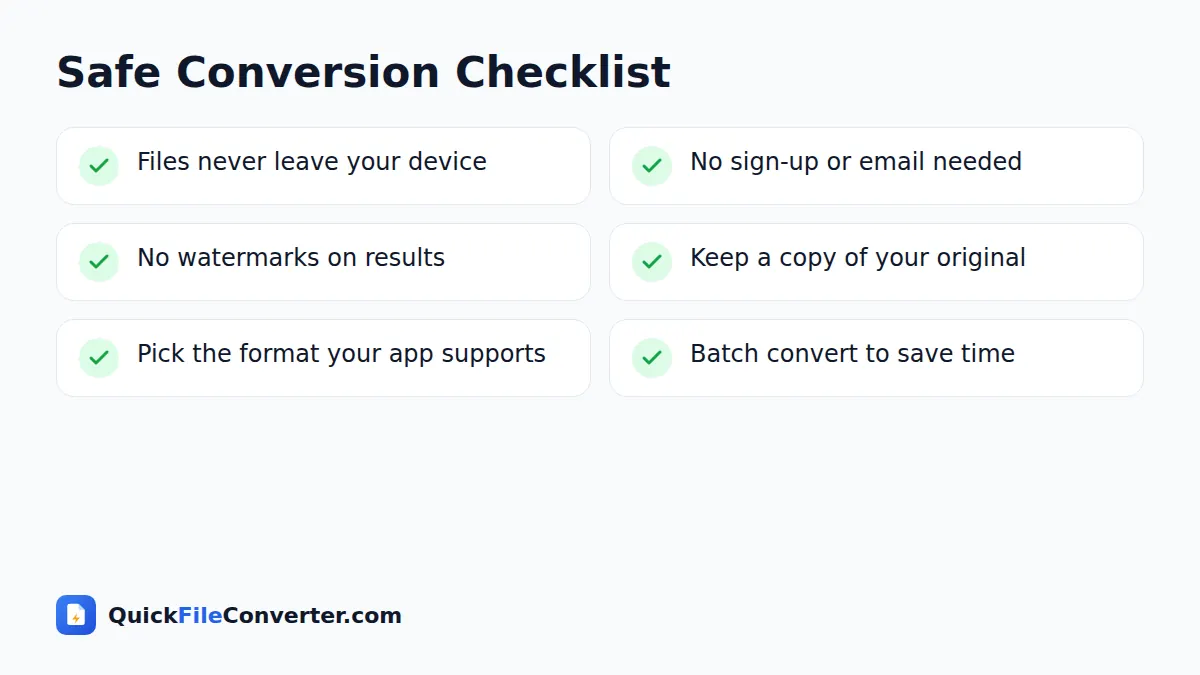
- Keep a backup of the original file until you have checked the result.
Choosing the Right Format
Picking the right output format is half the job. These quick rules cover most everyday situations.
- Need to edit a document? Use Word (DOCX). Need to share or print it exactly? Use PDF.
- Photo for the web? Use WebP or JPG. Graphic with sharp edges or transparency? Use PNG.
- Photo from an iPhone? Convert HEIC to JPG so it opens everywhere.
- Video to share or upload? MP4 with H.264 video plays on nearly every device.
- Music for your phone or car? MP3 at 192 or 256 kbps is a great balance of size and quality.
- Lots of files to send? Put them in a ZIP.
For deeper explanations, read our guides to document formats, image formats, video formats and audio formats. If you are new to all of this, start with how to convert files online safely.
Online File Converter vs Desktop Software
Desktop programs still have a place, especially for professional video editing or huge batches. For most people, though, an online file converter is the easier choice.
| Online file converter (QuickFileConverter) | Desktop software | |
|---|---|---|
| Cost | Free | Often paid or subscription |
| Installation | None | Download and install |
| Formats | 30+ in one place | Usually one category |
| Privacy | Files stay on your device | Files stay on your device |
| Updates | Always the latest version | Manual updates |
| Devices | Any device with a browser | Usually one operating system |
Tips for Better File Conversion
A little preparation goes a long way when you convert files online.
- Start from the best original. Converting a low-quality file will not make it better, so use the highest quality source you have.
- Avoid converting back and forth. Each conversion to a lossy format like JPG or MP3 loses a little detail. Convert once from the original.
- Choose quality settings wisely. Higher quality means bigger files. For sharing online, the balanced settings are usually enough.
- Batch similar files. Add several files at once to save time, then download them together as a ZIP.
- Check the result. Open the converted file before deleting the original, especially for important documents.
How Our Online File Converter Works Behind the Scenes
You do not need to know any of this to use the site, but many people like to understand why a browser-based online file converter can be both fast and private.
Modern browsers are powerful computers
Today’s browsers can run WebAssembly, a compact format that lets code written for desktop programs run inside a web page at close to native speed. Our online file converter uses well-known open-source engines compiled this way, including PDF.js for reading PDFs, SheetJS for spreadsheets and FFmpeg for audio and video. The WebAssembly documentation on MDN explains the technology in more detail.
Engines load only when you need them
To keep pages fast, each engine loads only when you click Convert. Opening the site downloads a tiny page of just a few kilobytes. The PDF engine loads when you convert a PDF, and the larger video engine loads only the first time you convert a video. After that, your browser keeps it in its cache, so the next conversion starts instantly.
Your file stays in memory
When you add a file, the browser gives the page permission to read that single file and nothing else on your device. The converted result is created in memory and offered to you as a download. Close the tab and both copies disappear. This is what makes our online file converter a safe choice for sensitive paperwork.
Common File Conversion Problems and Quick Fixes
Most conversions work first time, but these tips solve the problems people meet most often with any online file converter.
- “This file could not be read.” The file may be damaged or only partly downloaded. Download it again, or open it in its original app and save a fresh copy.
- The PDF asks for a password. Protected PDFs must be unlocked by their owner before any converter can read them.
- The video engine is slow. Video conversion uses your device’s processor. Close other heavy tabs, keep your laptop plugged in, and choose the Fast option when converting MOV or MKV to MP4.
- The downloaded file has a strange name. Some phones rename downloads. Rename the file and keep the new extension, such as .jpg or .mp3.
- A format is missing. We add new tools regularly. Use the contact page to suggest the next online file converter you would like to see.
What Makes a Good Online File Converter?
If you are comparing tools, these are the qualities that matter most, and the standards we hold ourselves to.
- Honest privacy. A good online file converter tells you exactly what happens to your files. Ours never uploads them.
- No tricks. There should be no fake download buttons, forced sign-ups or surprise watermarks.
- Clear results. You should see the file name, size and format of every converted file before you save it.
- Sensible defaults. Most people should never need to touch the settings. We choose balanced quality options for you.
- Speed on every device. A light page and on-demand engines keep the site fast even on mobile data.
Keep these points in mind and you will quickly spot which websites deserve your files.
Who Uses QuickFileConverter?
Our online file converter is used by all kinds of people every day, from students to small business owners.
- Students convert lecture slides and notes to PDF, and turn assignments into Word files for editing.
- Office workers merge PDFs, convert spreadsheets and prepare documents for clients.
- Photographers and designers convert HEIC and PNG images to JPG or WebP for websites and social media.
- Content creators convert video clips to MP4 and GIF, and extract audio for podcasts.
- Developers turn CSV data into Excel and back, and create ZIP files for sharing.
- Everyone else uses the tools whenever a file simply will not open.
Frequently Asked Questions
Is QuickFileConverter really free?
Yes. Every converter on the site is free to use with no sign-up, no daily limit and no watermark.
Do you upload or store my files?
No. Files are converted inside your web browser and never uploaded to our server, so we cannot see, keep or share them.
What is the maximum file size?
There is no fixed limit because the work happens on your own device. Very large videos may take longer on older phones or laptops.
Can I convert several files at once?
Yes. The online file converter handles batches. Most tools accept multiple files, and you can download all results together as a ZIP file.
Does the online file converter work on my phone?
Yes. The site works in modern browsers on Android phones, iPhones and tablets, as well as Windows, Mac, Linux and Chromebook computers.
Which formats does the online file converter support?
Documents (PDF, DOCX, XLSX, CSV), images (JPG, PNG, WebP, HEIC, SVG, GIF), audio (MP3, WAV, M4A, OGG, FLAC), video (MP4, MOV, MKV, AVI, WebM) and ZIP archives.
Do I need to install anything?
No. Everything runs in your browser. The first video conversion downloads the video engine once, which your browser then caches.
Bookmark Your Online File Converter
Most people need to convert a file only now and then, which is exactly when it is hard to remember a good website. Press Ctrl+D on Windows or Cmd+D on Mac to bookmark this online file converter so it is always one click away. On a phone, open the browser menu and choose Add to Home screen. The site then opens like an app, loads quickly and is ready whenever a file refuses to open.
Start Converting
Whether you need to edit a PDF, open an iPhone photo, shrink a music file or send a folder of documents, our online file converter has a tool ready for you. It is free today and it will stay free. Scroll back to the top of the page, drop in your file and you will have your result in seconds, with your privacy fully intact.